
Introduction
DockFix exists for one reason. The Dock that comes with your Mac is not yours. Apple designed it to be fast and reliable, but you cannot change its colour, its icons, its animations, or much of what sits inside it. We built DockFix to hand all of that control back to you.
A dock you have made your own is only worth having if it still feels like part of macOS. That was the standard the old foundations could not meet, and it was not something another update could fix.
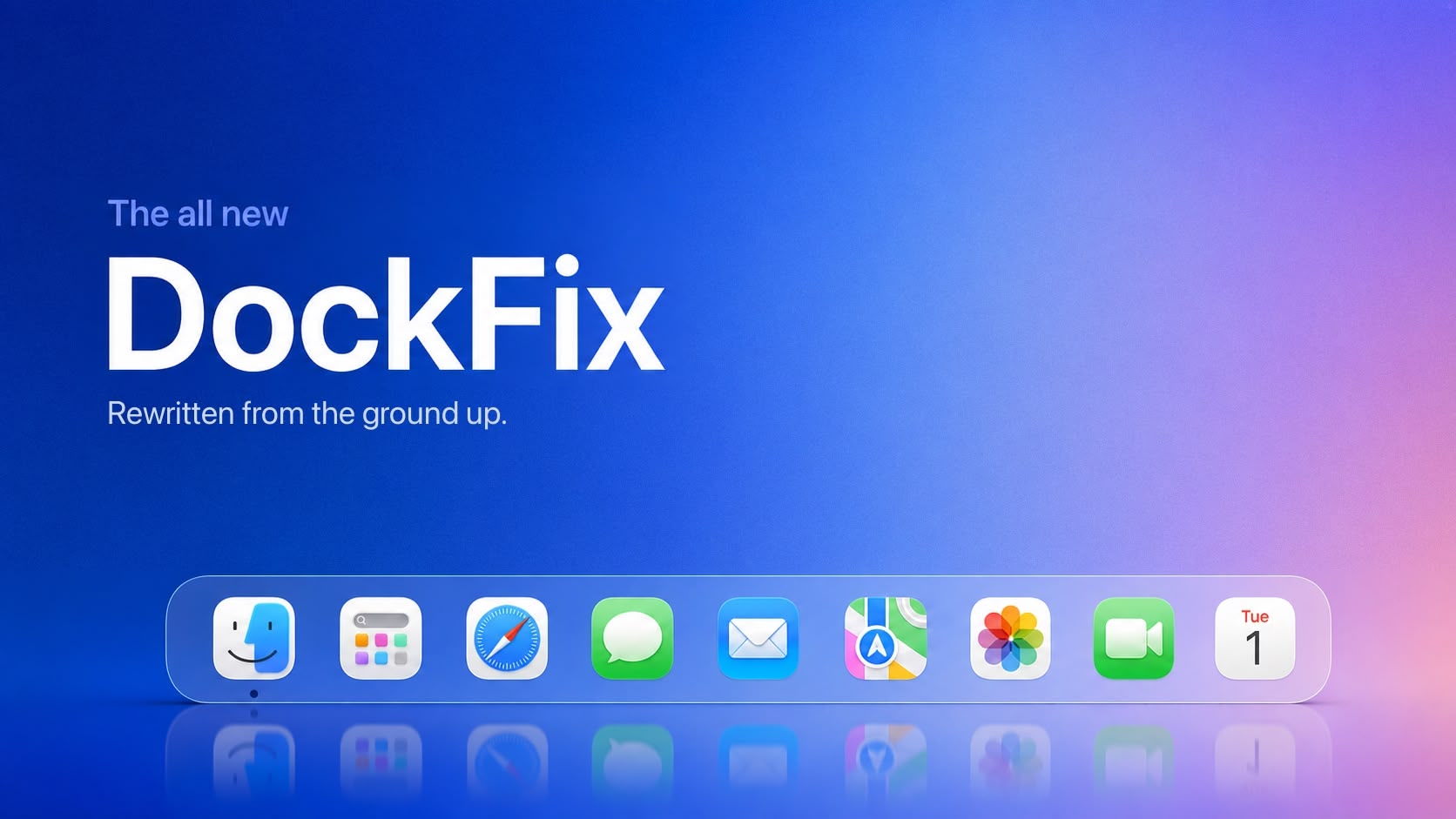
So earlier this year we stopped shipping updates and rebuilt DockFix from the ground up. Not another layer on top of what was already there, but the same app written again from scratch: a new engine, a new interface, and none of the old code left in place. It is available now, and free if you already own DockFix.
Why We Rebuilt It
Feeling native comes down to small details, and every one of them has to be right. The magnification needs the correct weight. A window has to minimise toward the corner it came from. An icon has to appear the moment the app opens. A hidden dock has to appear without hesitating. Miss any one of these and people notice immediately, even if they cannot say exactly what is wrong.
These were never separate problems that could be fixed one at a time. DockFix had been built on foundations laid for a much smaller app, and the parts that determine how it looks and moves were the furthest from solid ground. Reaching them meant starting again.
Rebuilding the app took months. It was the only way to deliver the customization you came to DockFix for without asking you to give up a proper Dock in exchange.
What Is In It
Starting again took longer, but it made a set of features possible that the old foundations could never have supported.
- A dock that looks like Apple built it. The custom dock now animates and looks just like the system one out of the box. Same magnification effect, true liquid glass, minimize animations that travel toward the right edge of the screen. Icons that appear the moment an app opens, and more.
- Everything you need to customize. Colours, opacity, animations, custom app icons, folders, website shortcuts, presets, the file shelf. All of it is here, and there is more of it than before.
- Window previews. Hover an app to see its open windows, live, and go straight to the one you want. Our most requested feature.
- Widgets. Useful information and quick controls directly in the dock itself.
- A new interface. An all new user interface designed from the bottom up to be modern and intuitive.
- Performance. Ultra fast and light. Less than 1% CPU usage on average.
There is a good deal more besides, most of it drawn directly from what people have asked us for. We share these in the Discord as they are finished, rather than listing them all here.
Where To Get It
The new DockFix is available now. Download it from the site, and your existing licence key carries over automatically.
What It Costs
If you already own DockFix, the new version is free. No upgrade fee and no second licence. Your existing key carries straight over, with nothing to move or reactivate.
For anyone new, it is €14.99, paid once. No subscription.
Where We Talk About It
We run a Discord server for DockFix. It is where previews of what is coming next appear first, and the easiest place to ask a question or request a feature.
Join the Discord
Previews, feature requests and the fastest answers, all in one place.
Thank You
Patience is not something we are owed, and plenty of people have run out of it. To everyone who wrote in, reported something, or simply left the app installed while we worked on this out of sight: thank you. It made the decision to start again far easier to justify.
A better Dock than the one your Mac came with: every bit as snappy and as quick as Apple’s, customized however you want it, and carrying the features Apple never added. That is what DockFix has always been for, and this is the first version that delivers it. We would like you to be among the first to see it.